Follow the workflow through screenshots
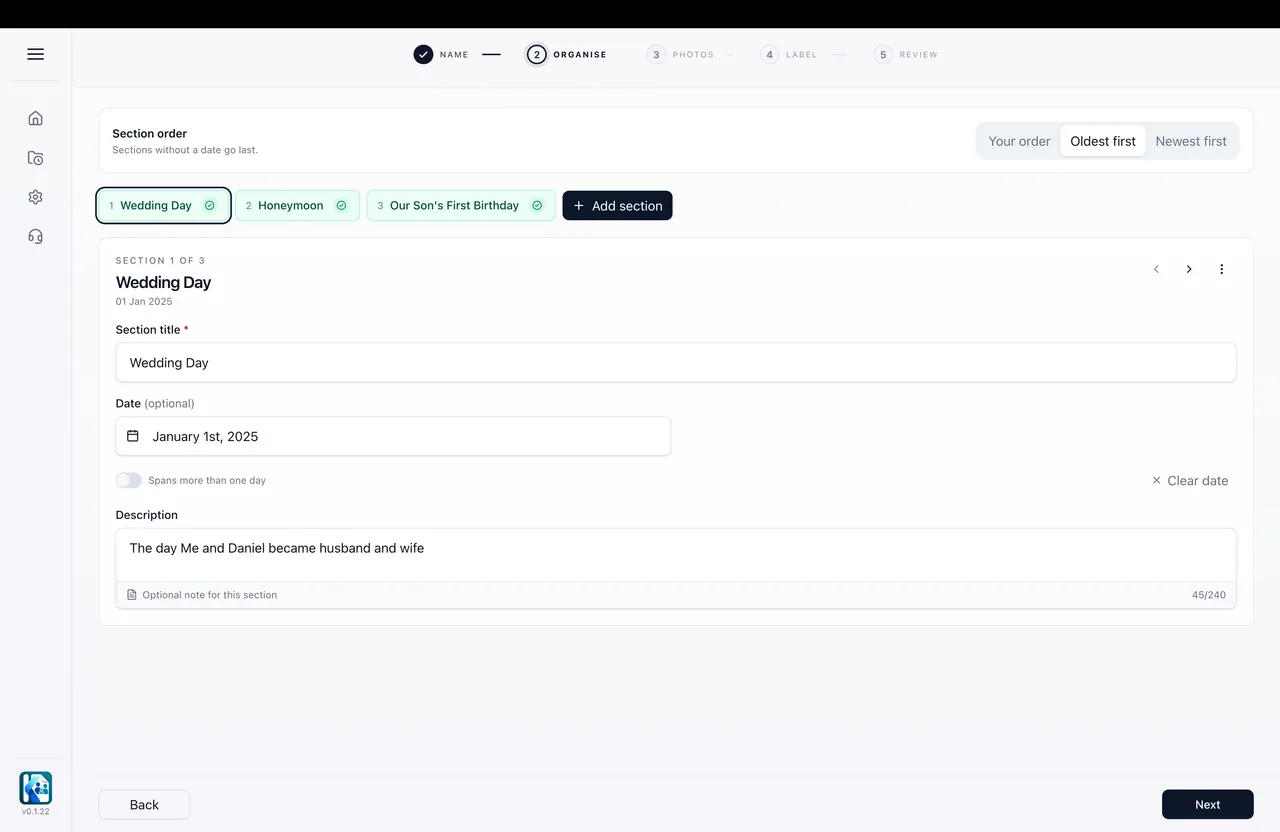
Organise your sections.
KinVisa Relationship Photo Documents
Local photo processing. No repetitive tagging. No manual formatting. Just the relationship photos you select, organised into a professional PDF on your own computer.
Not sure what relationship photo evidence is?
Learn about relationship photo evidenceWhat it does
Take a guided product tour
Step 01
Create sections for the photos you select, such as a wedding, trips together or a year, giving the document a clear structure before you add the photos and details.
Product tour
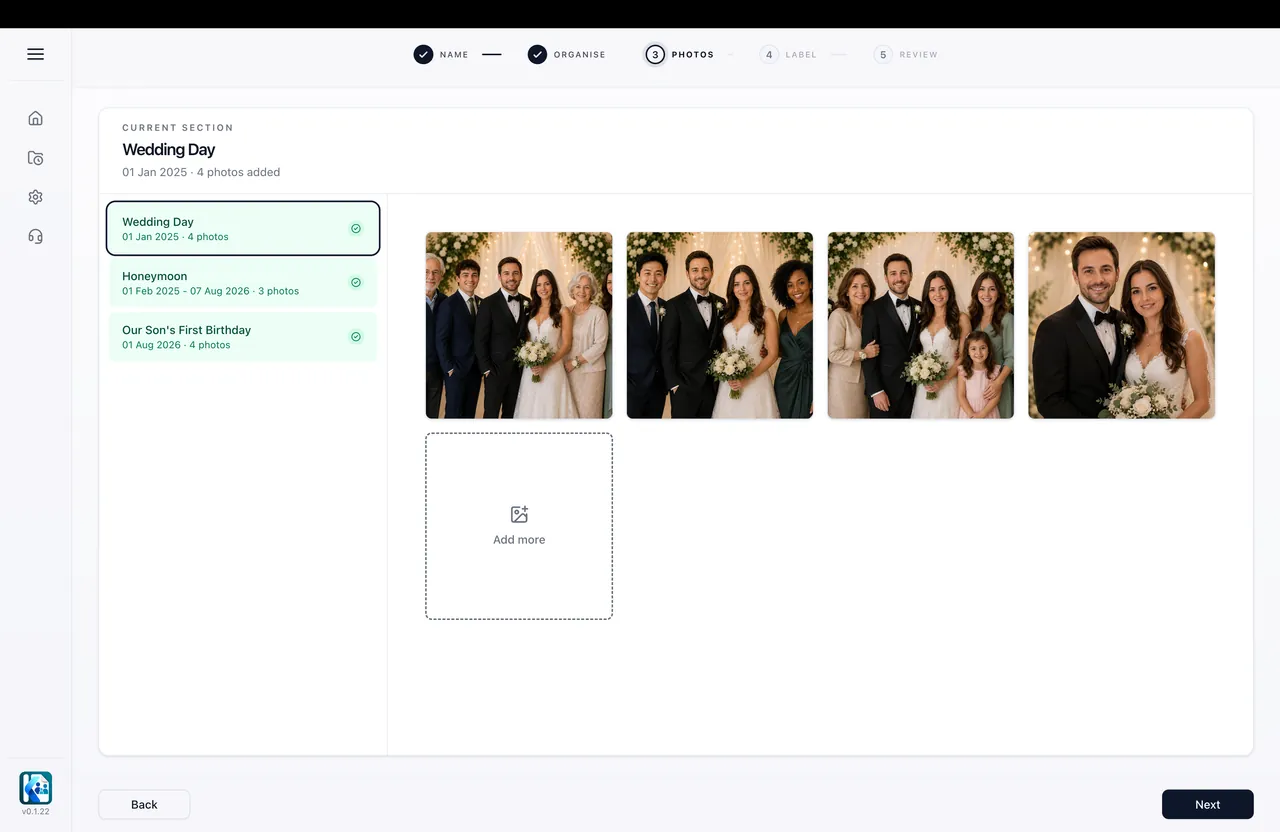
Step 02
Bring in the photos for each section so the document starts taking shape around real visits, celebrations, and shared family moments.
Product tour
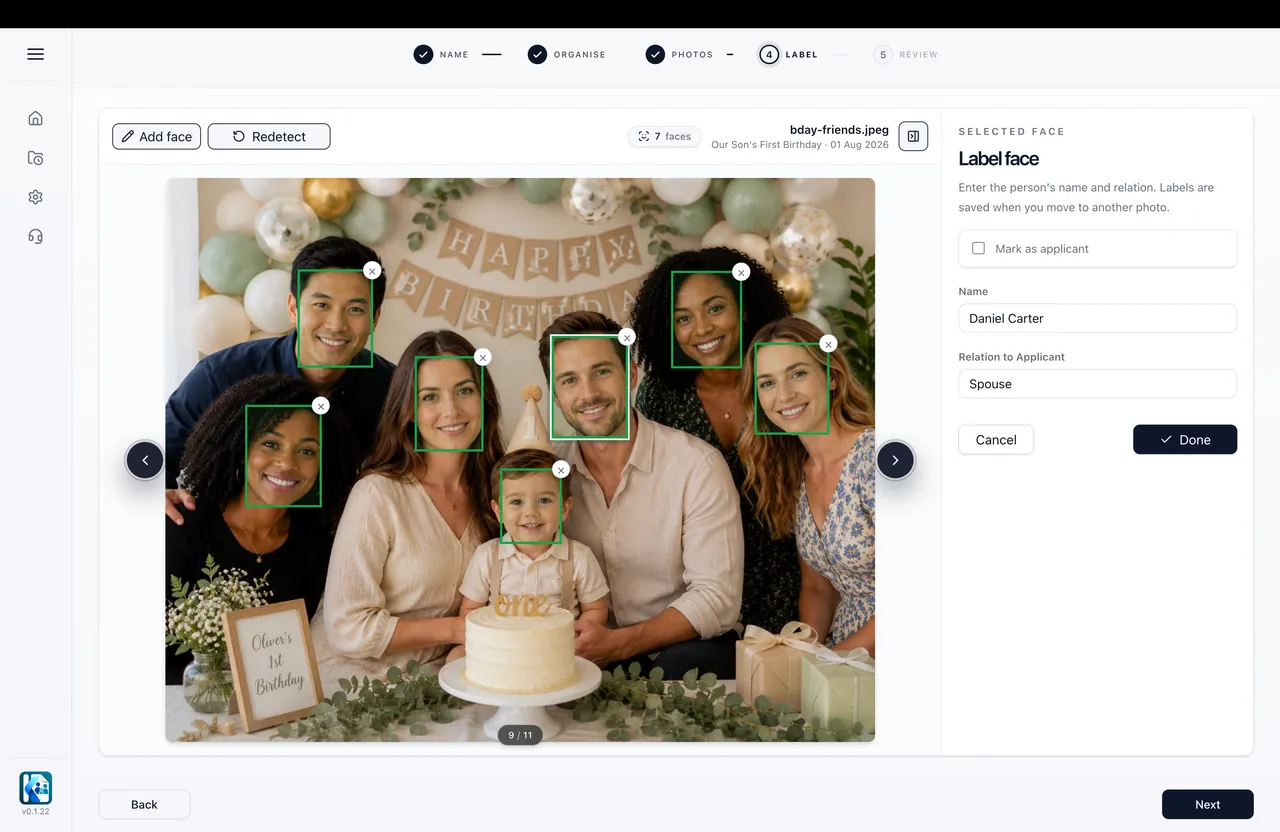
Step 03
Identify people once and let KinVisa carry those labels across matching photos to cut down repetitive tagging.
Product tour
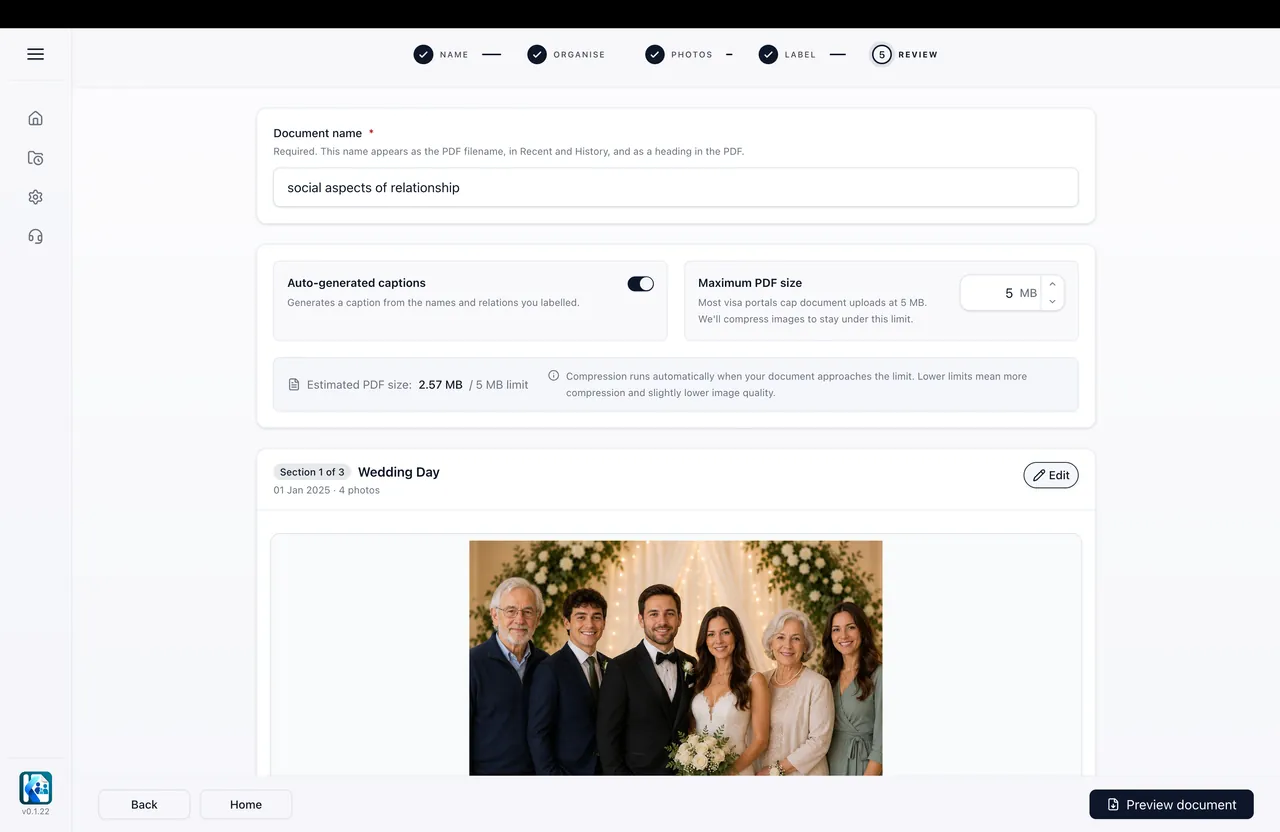
Step 04
Review how your photos, captions, and section details will appear, then make any final changes before creating the PDF.
Product tour
Step 05
Export the finished PDF and save it locally so you can review it and decide how to use it.
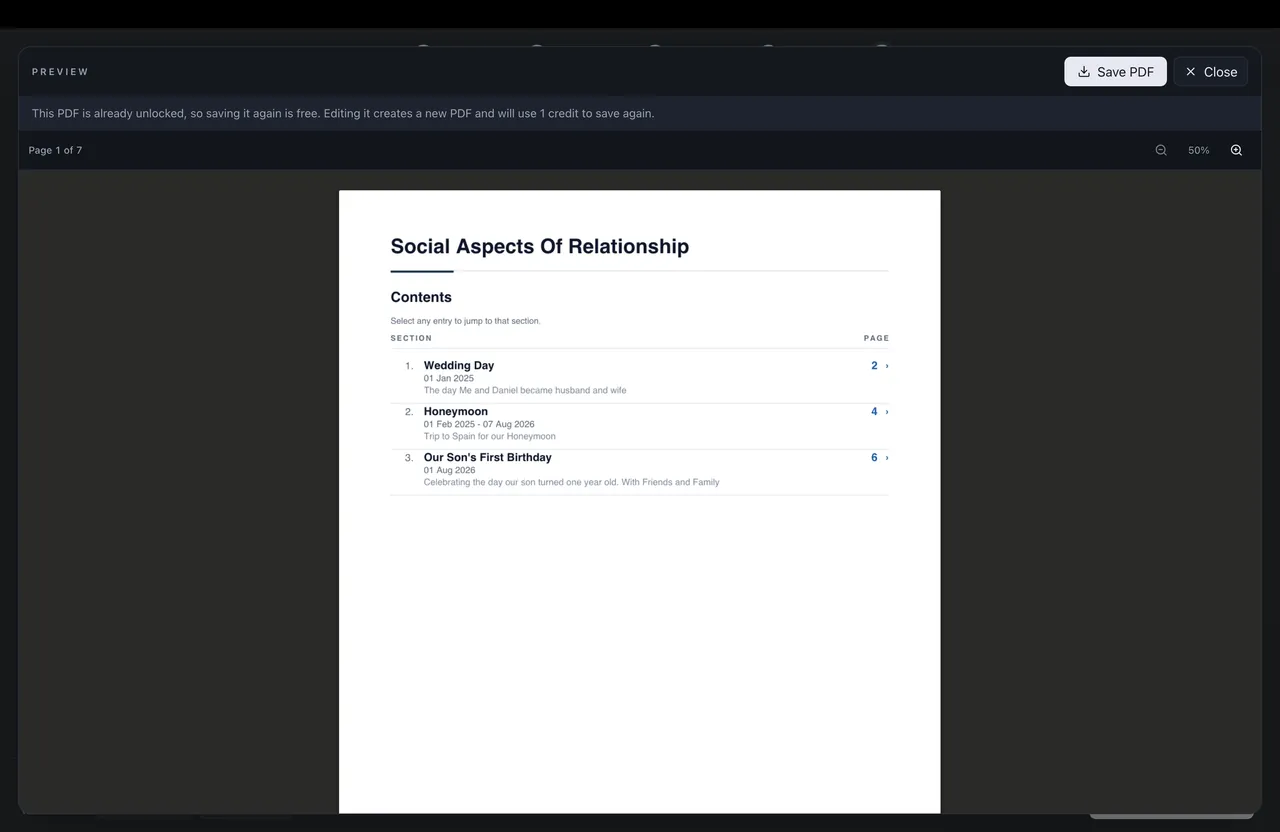
01/ 05
This sample shows how KinVisa turns labelled photos, section details, and notes into a relationship photo evidence PDF.
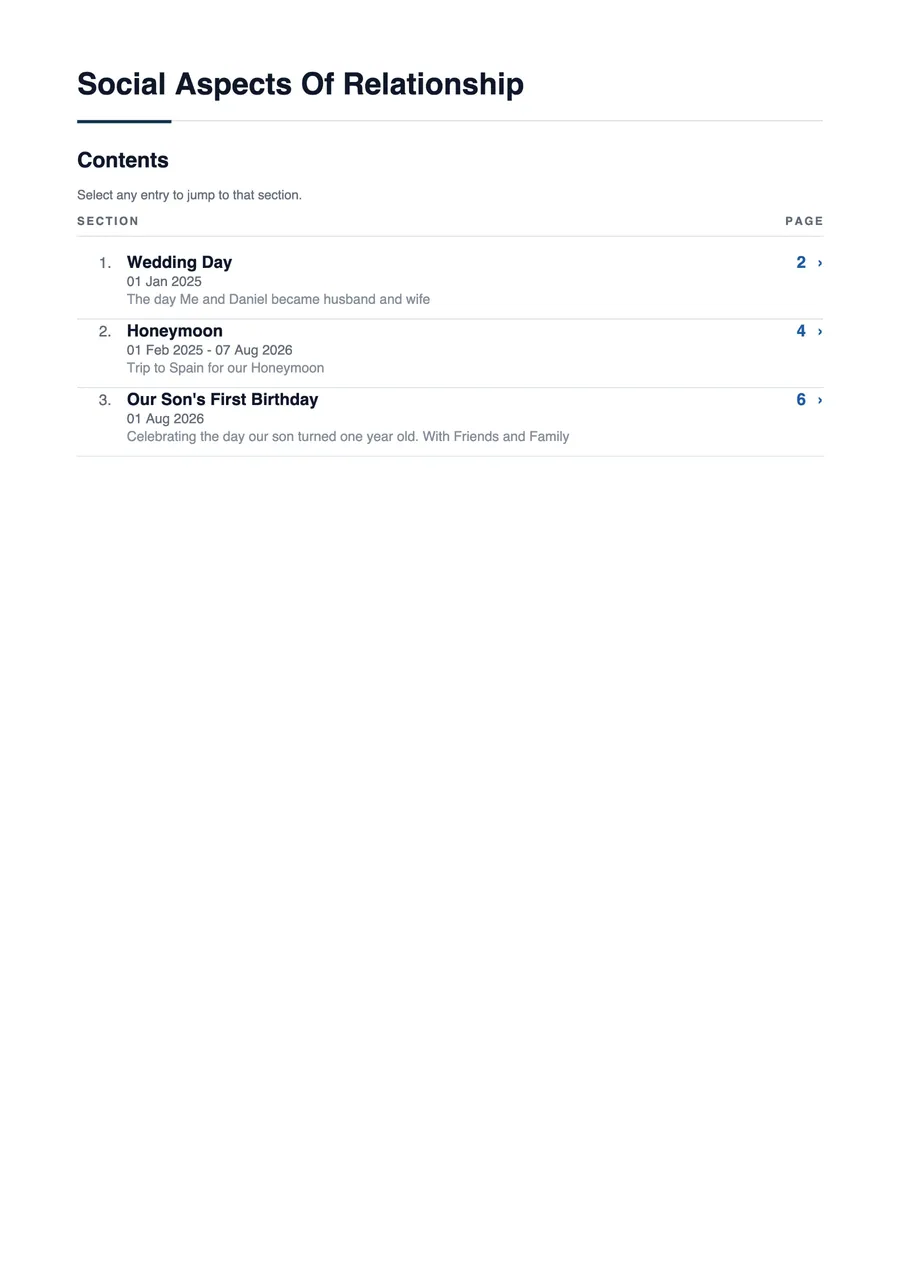
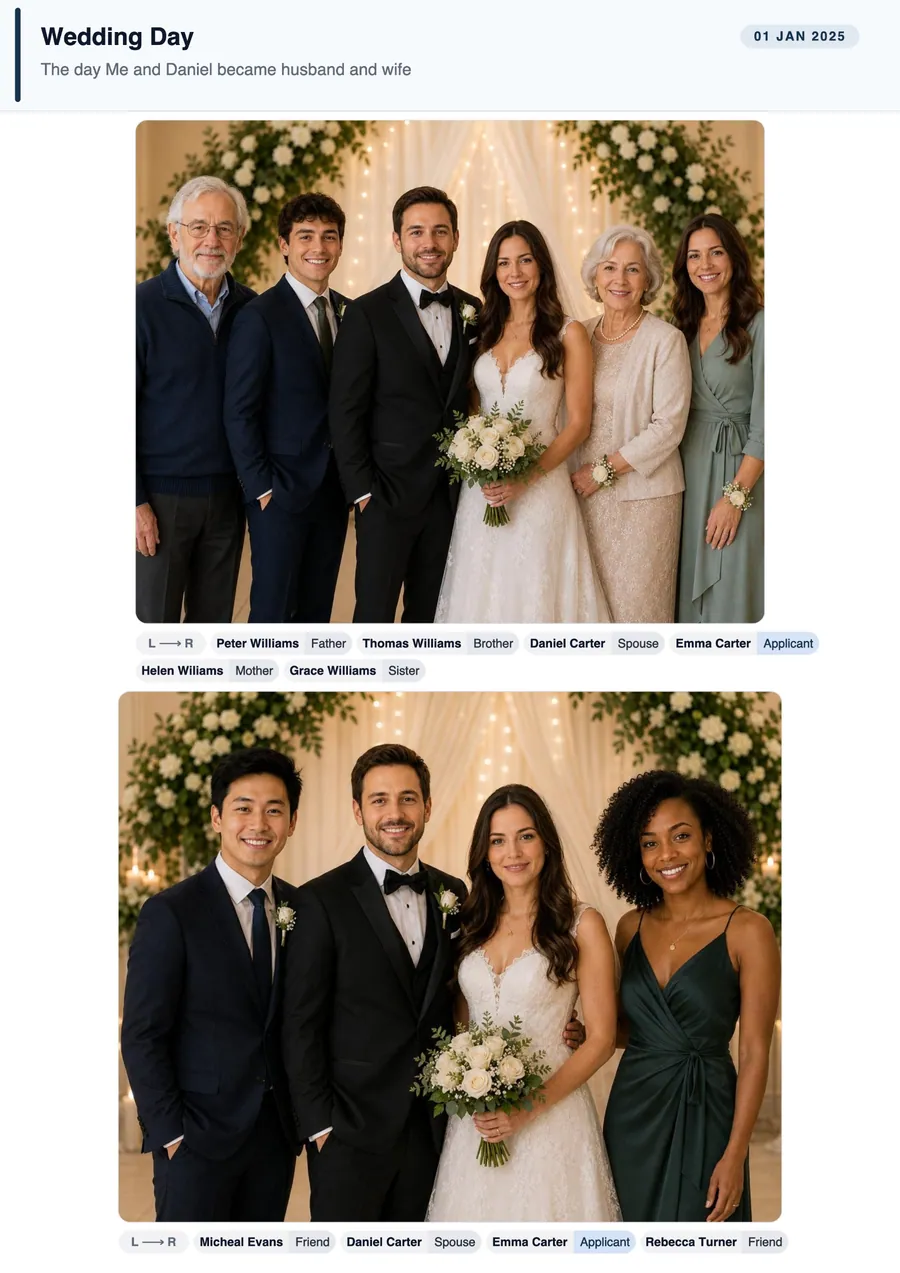
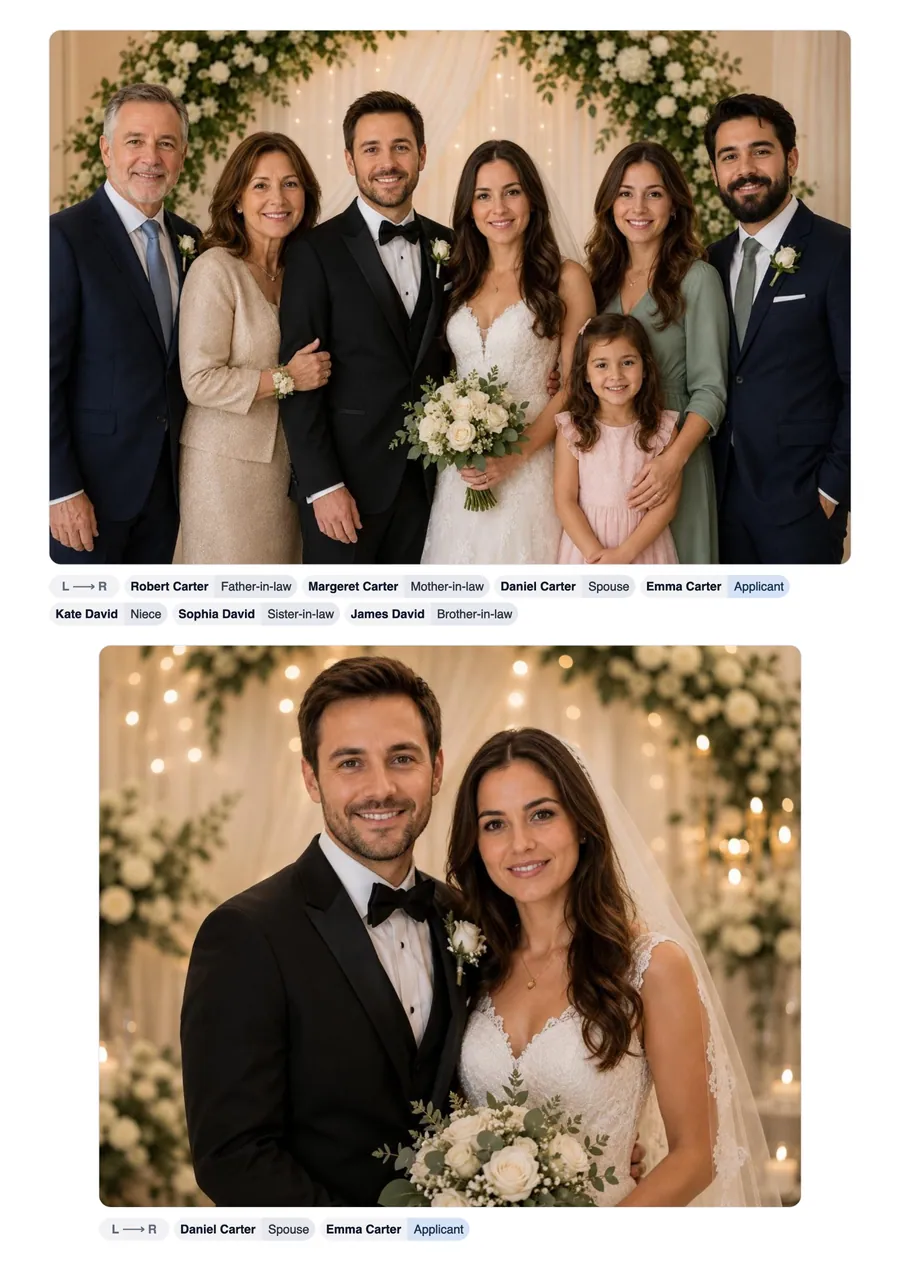
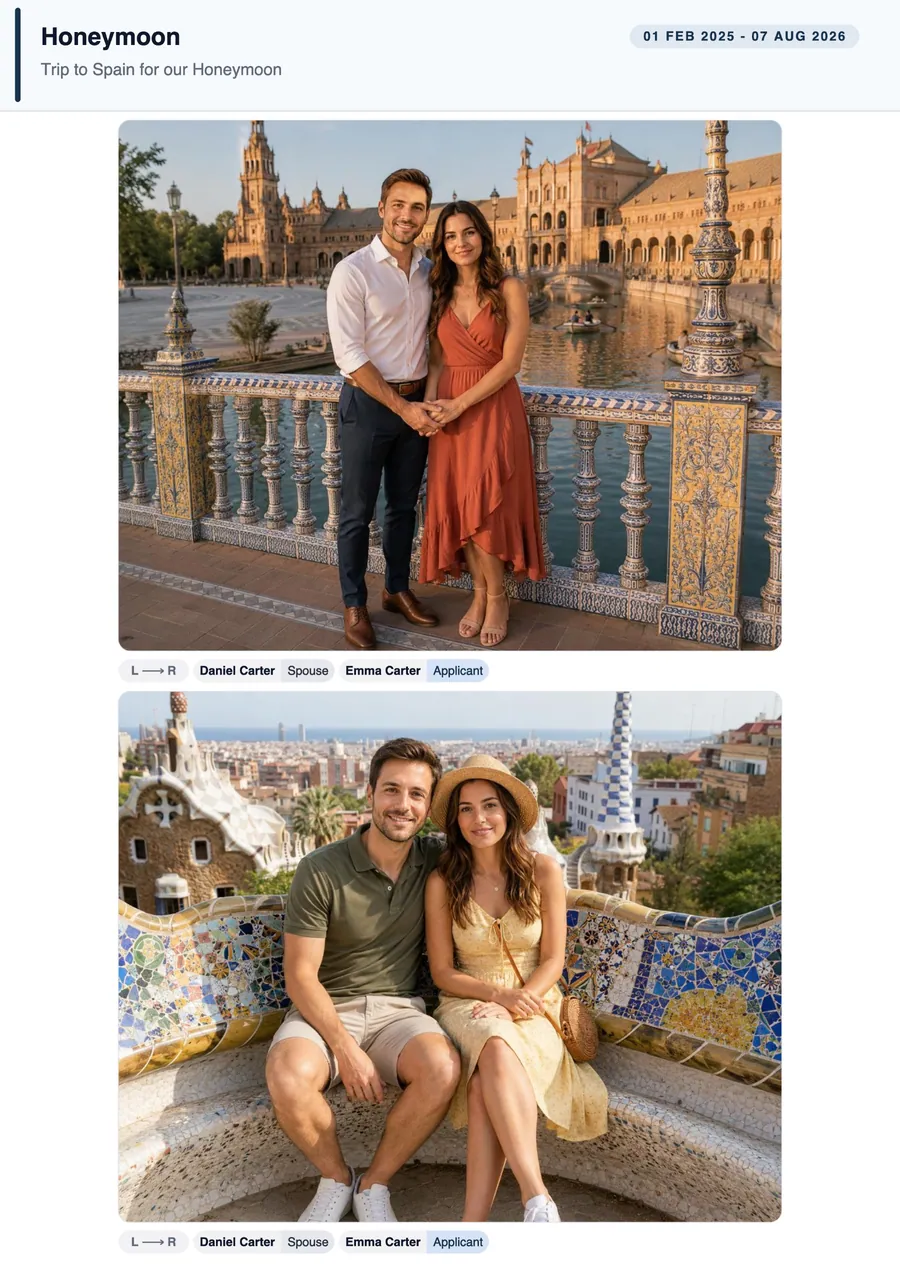
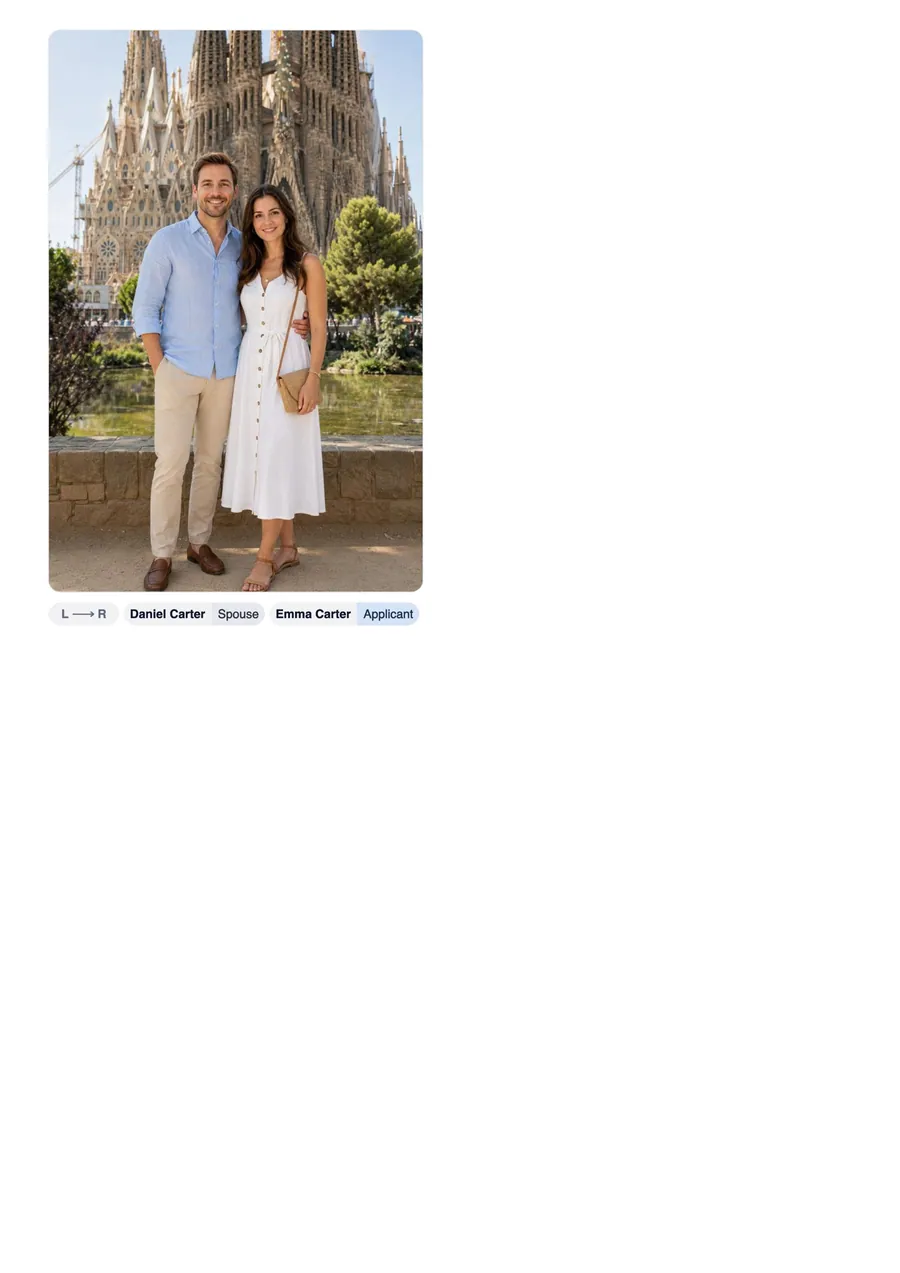
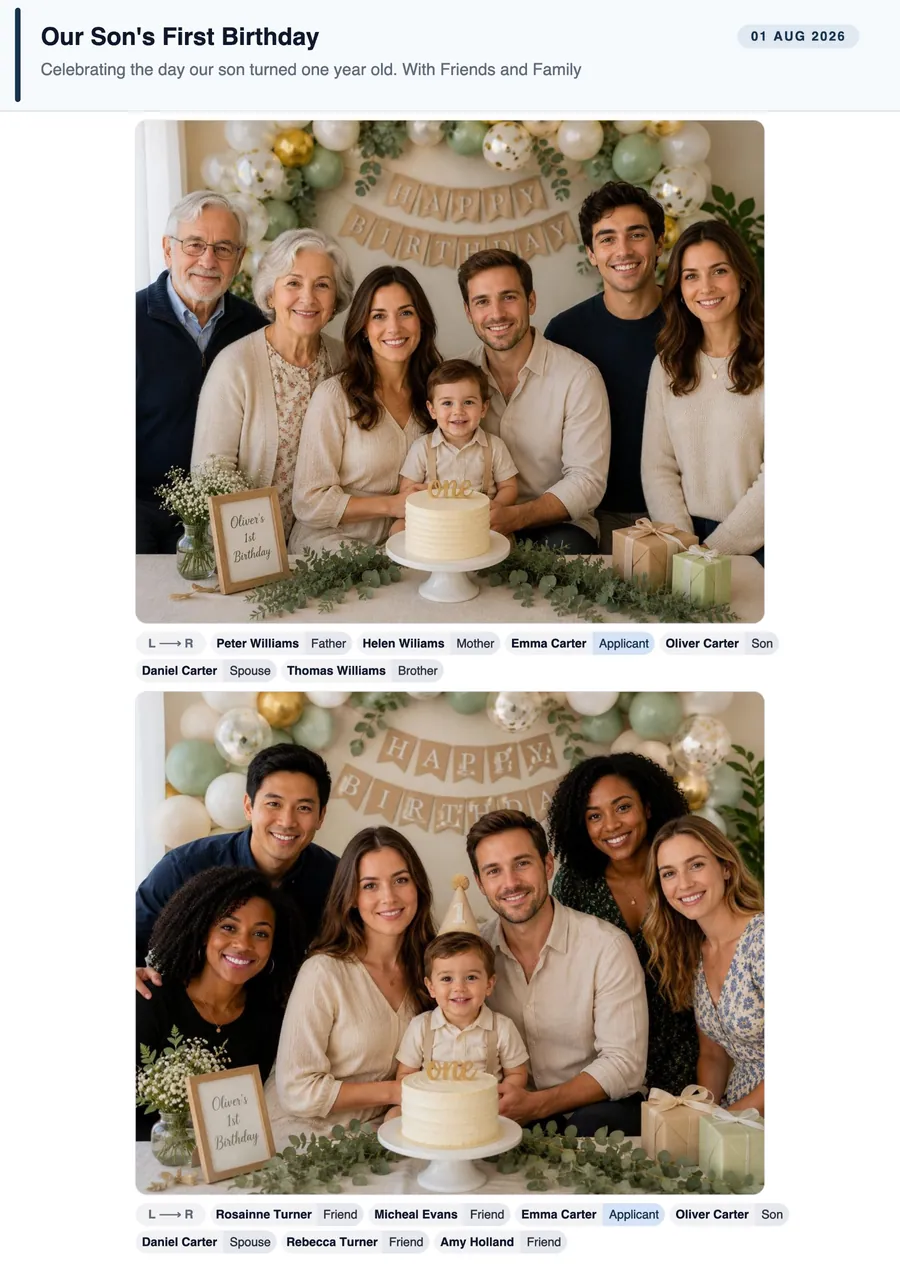
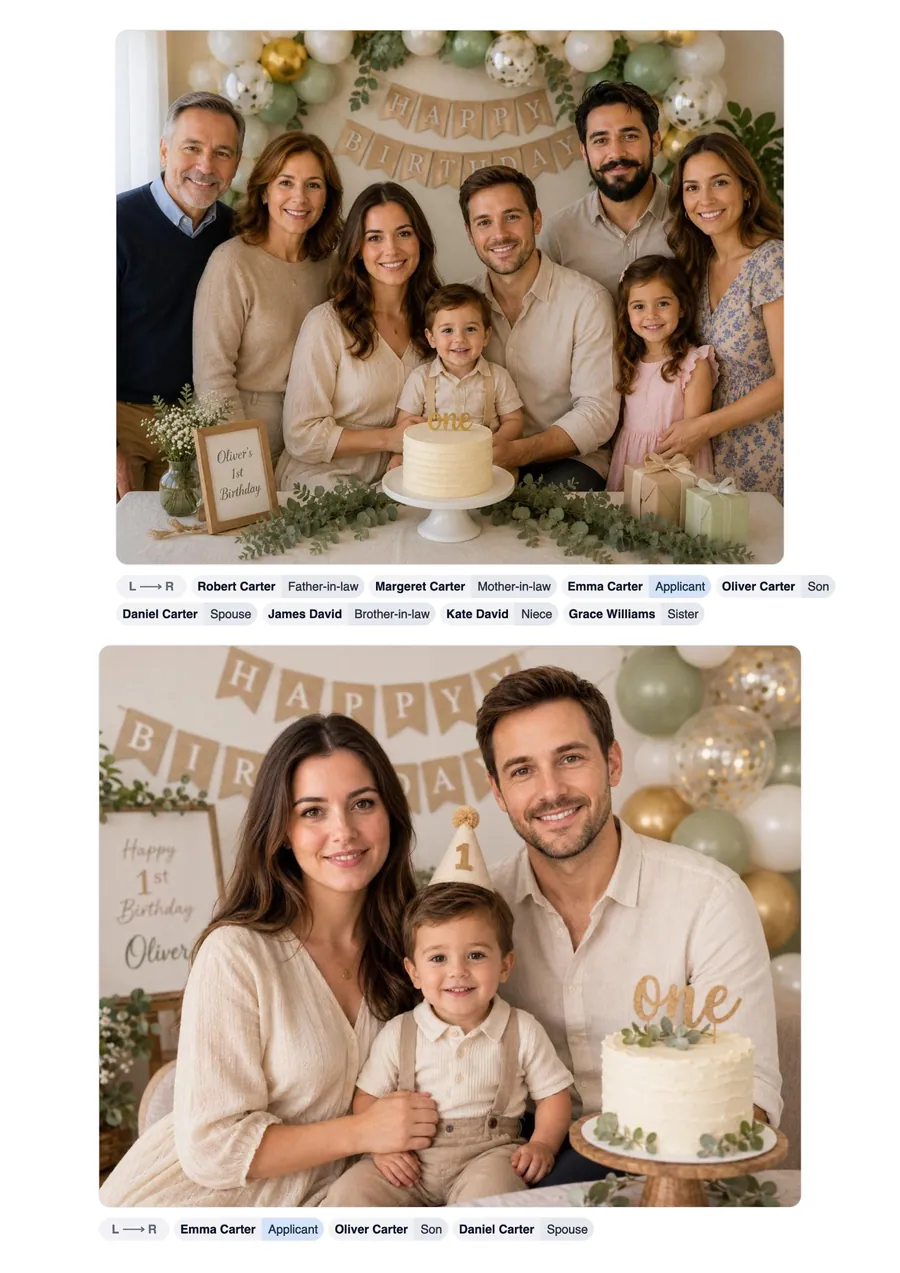
Organise your evidence faster with private on-device face matching, smart labelling, and professional PDF formatting built into one desktop app.
Explore how it worksYour photos, saved documents, face data, and PDF generation stay on your computer.
Label each person once, then review, correct, or add faces whenever you need to.
Create polished A4 evidence PDFs with section headings, photos, and captions arranged for you.
Face matching and PDF generation happen locally, without uploads or remote processing.
Download KinVisa, tag a few faces, and let on-device face matching help turn your family photos into a clean PDF for your visa application.
Download KinVisaFree to download, build and preview. Saving the finished PDF uses one credit. See pricing